
Deposit and withdrawal walkthrough
A Hindi-language creator video about the Showpay deposit and withdrawal process.
Watch the deposit walkthroughUse a deposit option only when it is available in your signed-in account. Confirm the recipient, method, amount and any displayed fee before sending funds.
Retain the payment reference and check the transaction status. A pending status does not confirm that a deposit has completed. Do not repeat a transfer solely because its status is delayed.
Use the account service's verified support option. Read the support guide and USDT guide. This page does not provide a deposit address or promise a return.
ShowPay LoginCheck whether the displayed method has a minimum amount, processing fee, expiry time or required payment reference. Entering incomplete information can delay account credit. Use only the instructions currently visible in your account.
Do not immediately send another payment. Compare your payment confirmation with the dashboard status and allow for the processing time shown. For a crypto transfer, check the blockchain transaction ID and network confirmations. Use the support guidance with non-secret transaction information if the issue continues.
A payment receipt, a bank debit and credit in a platform account are different events. Compare the payment reference and amount with the record inside your account. If money left the sending account but the platform status is pending, retain the reference and describe that specific mismatch to support. Do not interpret a creator's screenshot as proof that your own payment completed, or use an address from a public image as a payment instruction.
Find a walkthrough for your task, then compare it with the instructions in your current account. Independent creators may include referral links; their videos do not establish fees, processing times or returns for this website.
A Hindi-language creator video about the Showpay deposit and withdrawal process.
Watch the deposit walkthroughAn external overview of app and buy/sell features. Review current account terms before acting on a creator's claims.
Watch the app overviewA short video shared on Instagram. Open it to view the creator's post and context; Instagram may require sign-in.
View the Instagram reelThese existing app screenshots illustrate the interface. Current account options and supported payment channels can differ.
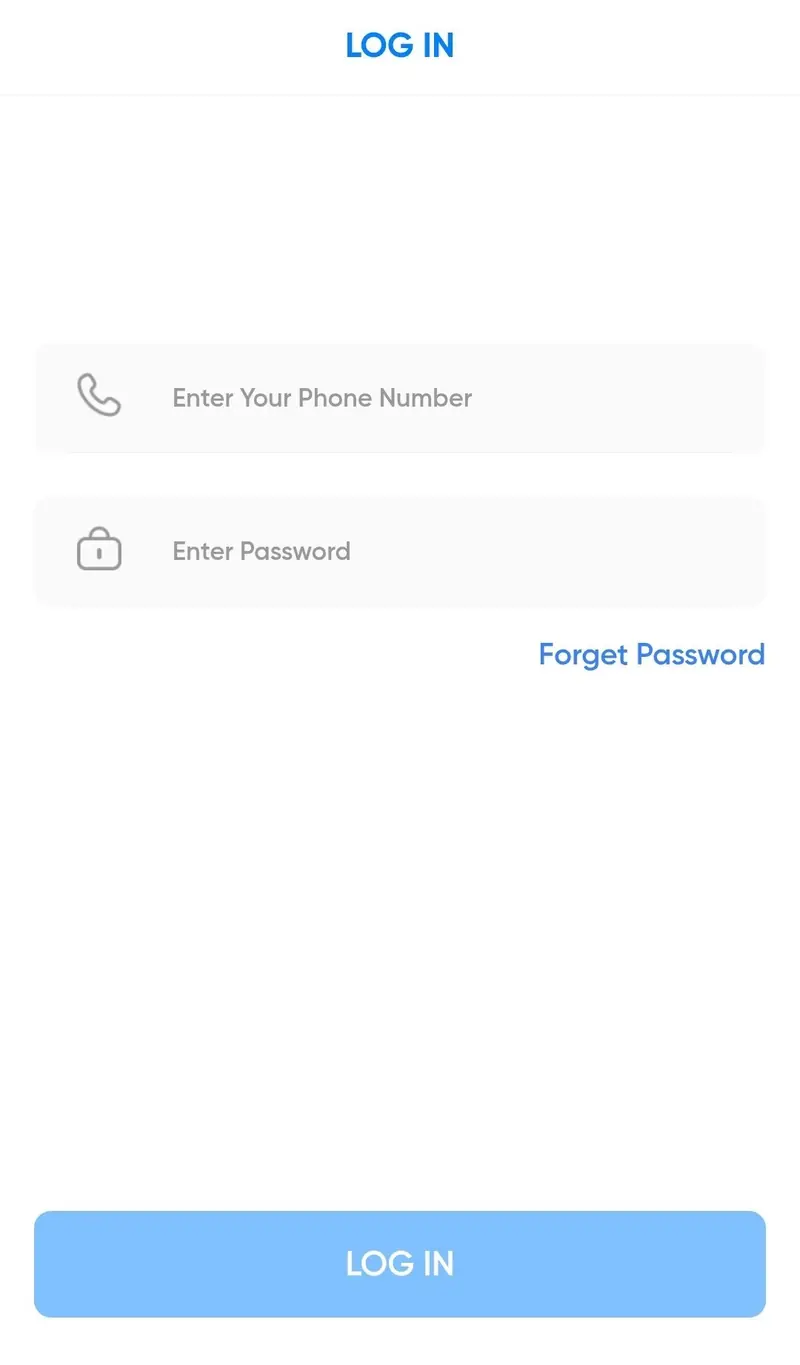
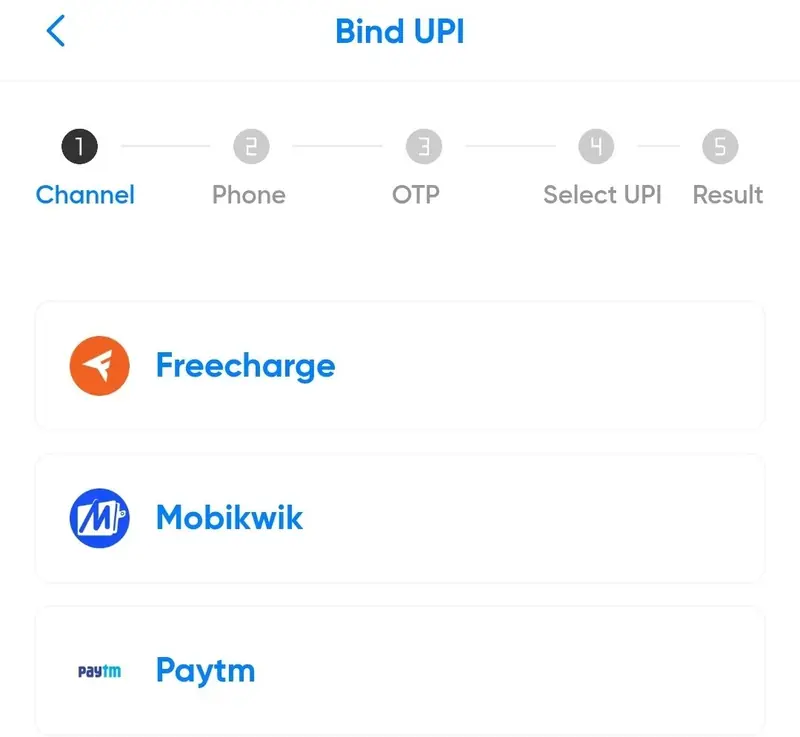
Search links below open discovery results, not verified ShowPay profiles. The name is used by different services, so check the publisher and website before following instructions.
Videos and social posts are external references, not current payment instructions.